
Your campus, without your name on it.
Yappit is a feed for one campus at a time. You get in with your campus code and your device — no email, no profile to build — and you post as Yapster until you decide otherwise.
- No email to join
- A campus or organisation code and your device are enough. Your real name and email never appear on a Yap, a comment, a vote or a message.
- It stays on your campus
- A Yap is posted to one campus and read by the people verified into it. A link shared outside shows the frame, never the words.
- Posts are checked first
- Every post — text and images — goes through an automated moderation check before it is published.
Inside the app
Eight screens, and what
each one is for.
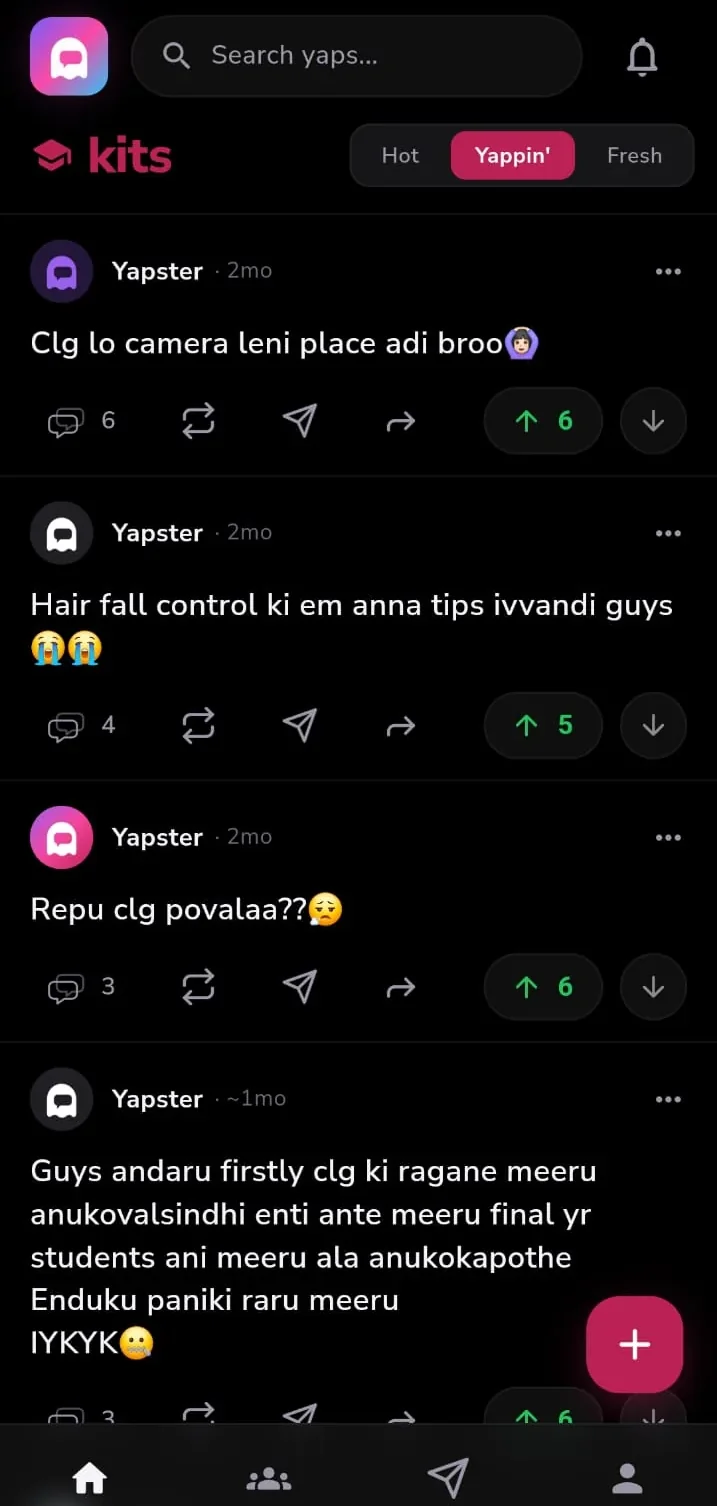
Hot is what your campus is on right now, Yappin’ is what people are still arguing about, Fresh is whatever just landed. Text, photos and polls, every one of them from a Yapster.

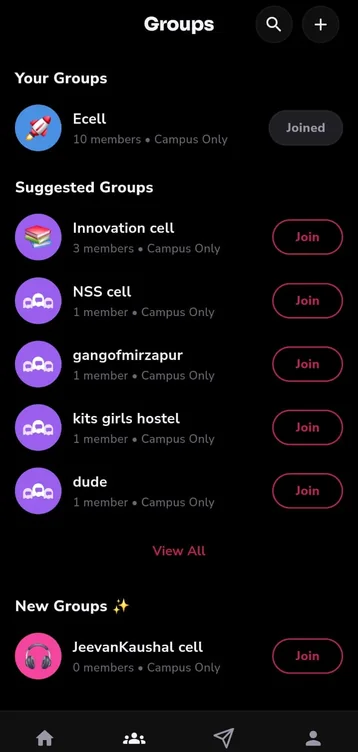
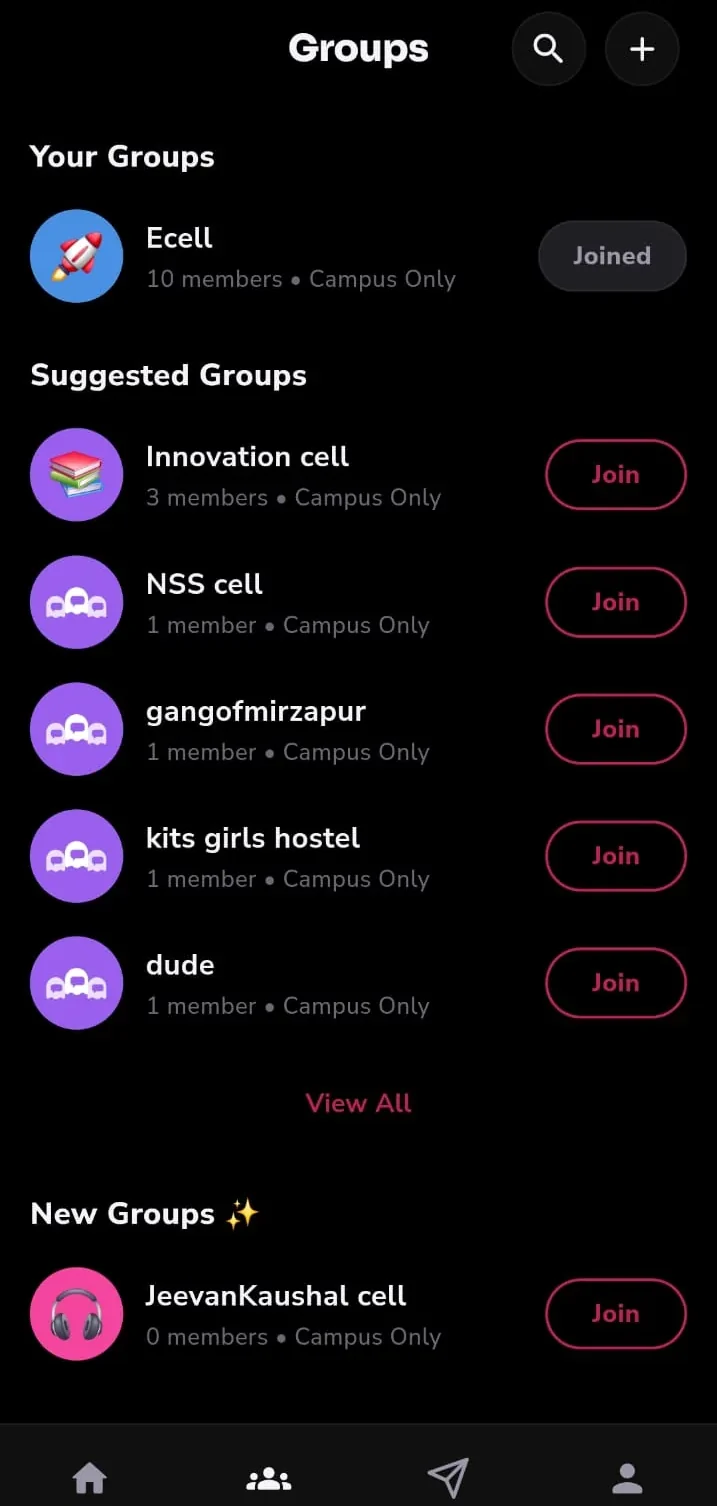
Not everything belongs to the whole campus. Groups keep a hostel block, a department or a club to the people in it, with the same anonymity as the main feed.
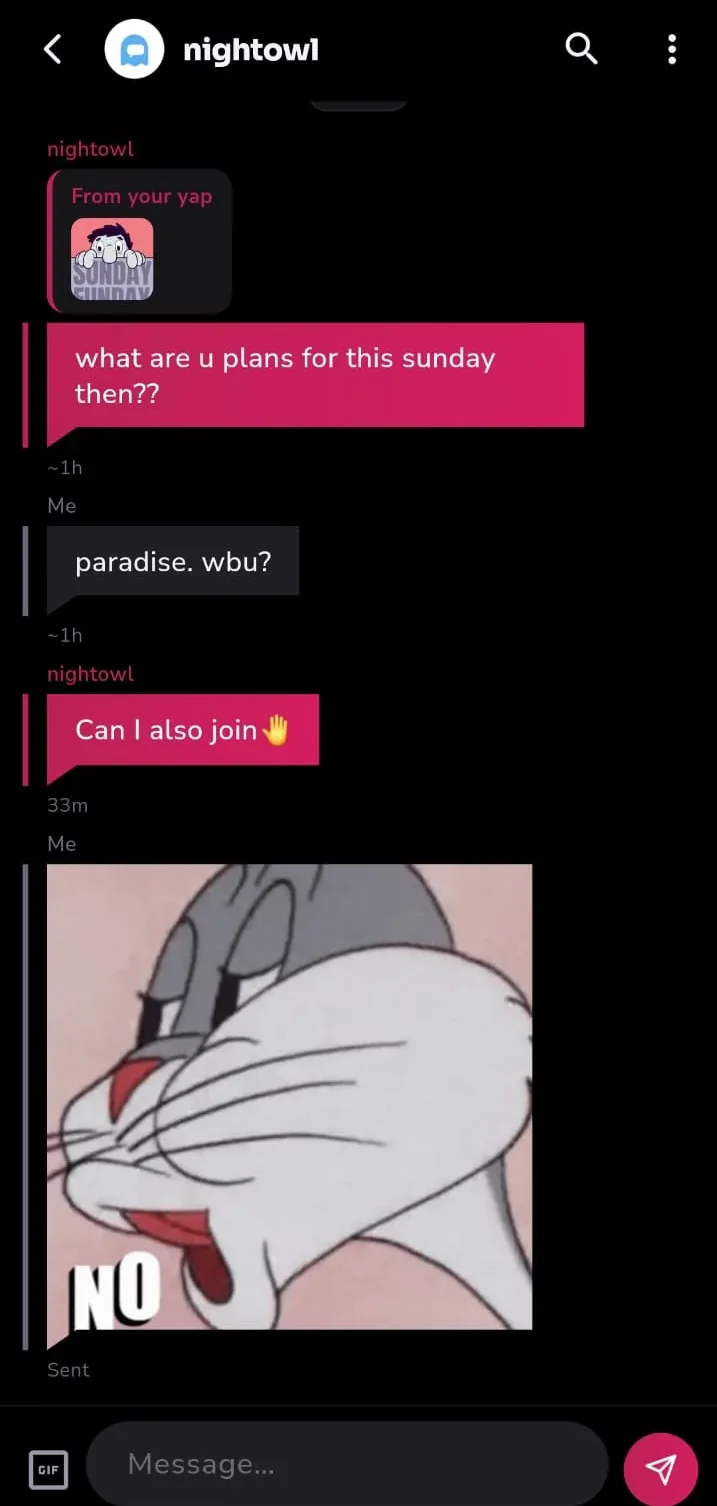
Reply to a Yap in private. Messages are private conversations, not posts: they are covered by the same guidelines, and you can report a message, block the sender or mute a chat at any time.

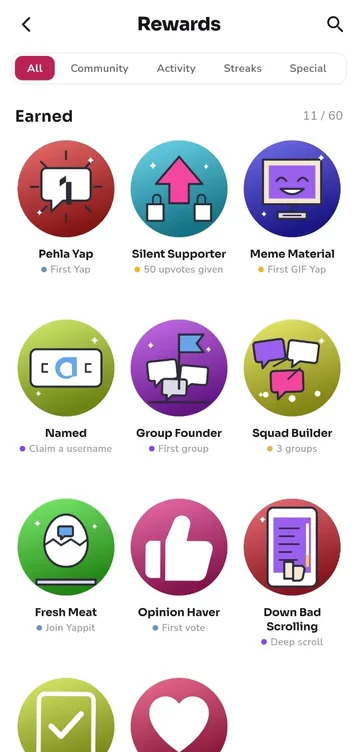
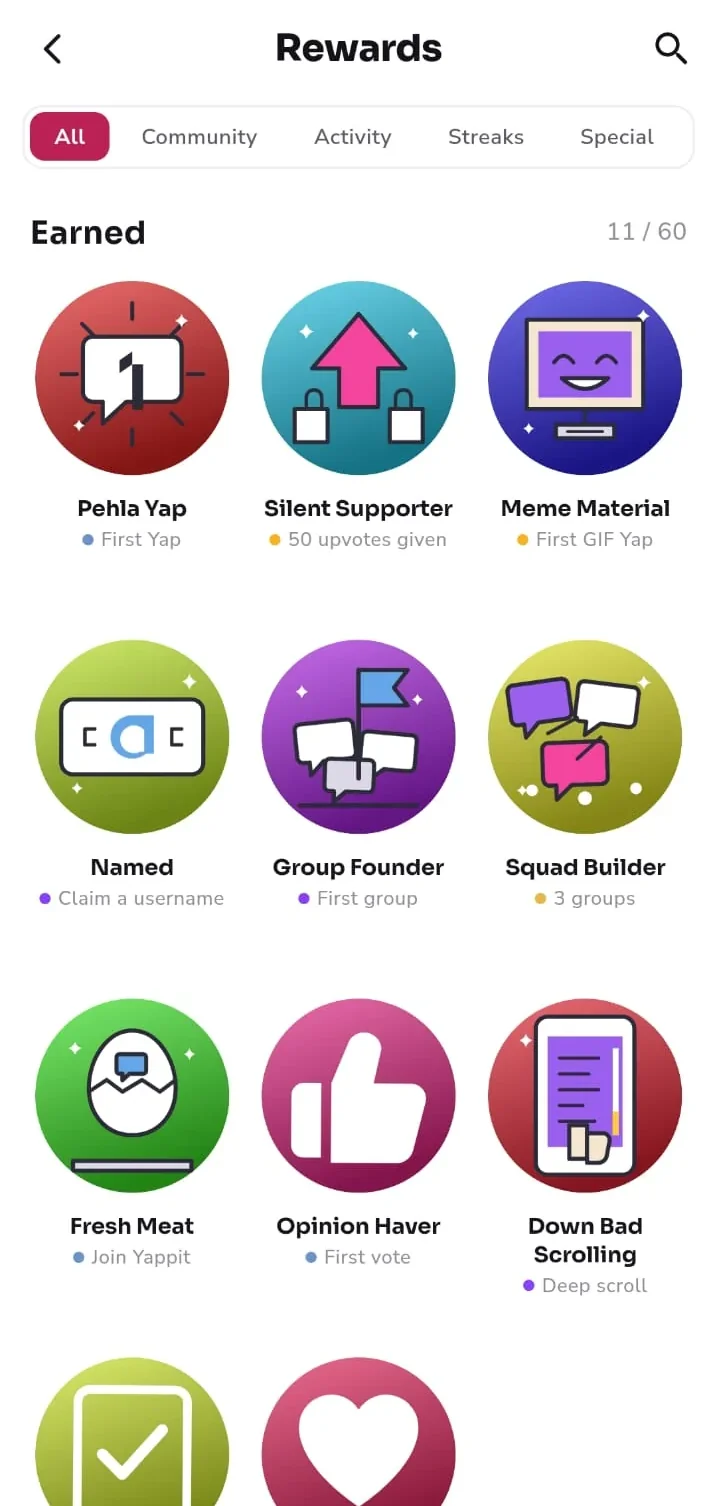
Badges for the things that take time — a streak, a Yap the campus liked, a night nobody else was awake for. They are earned, not bought, and they are the one thing you can share outside your campus.
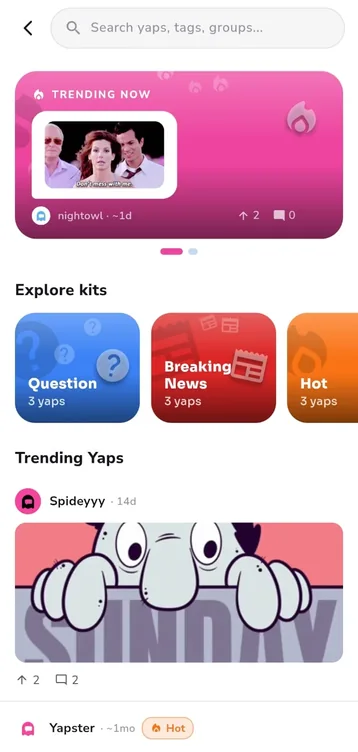
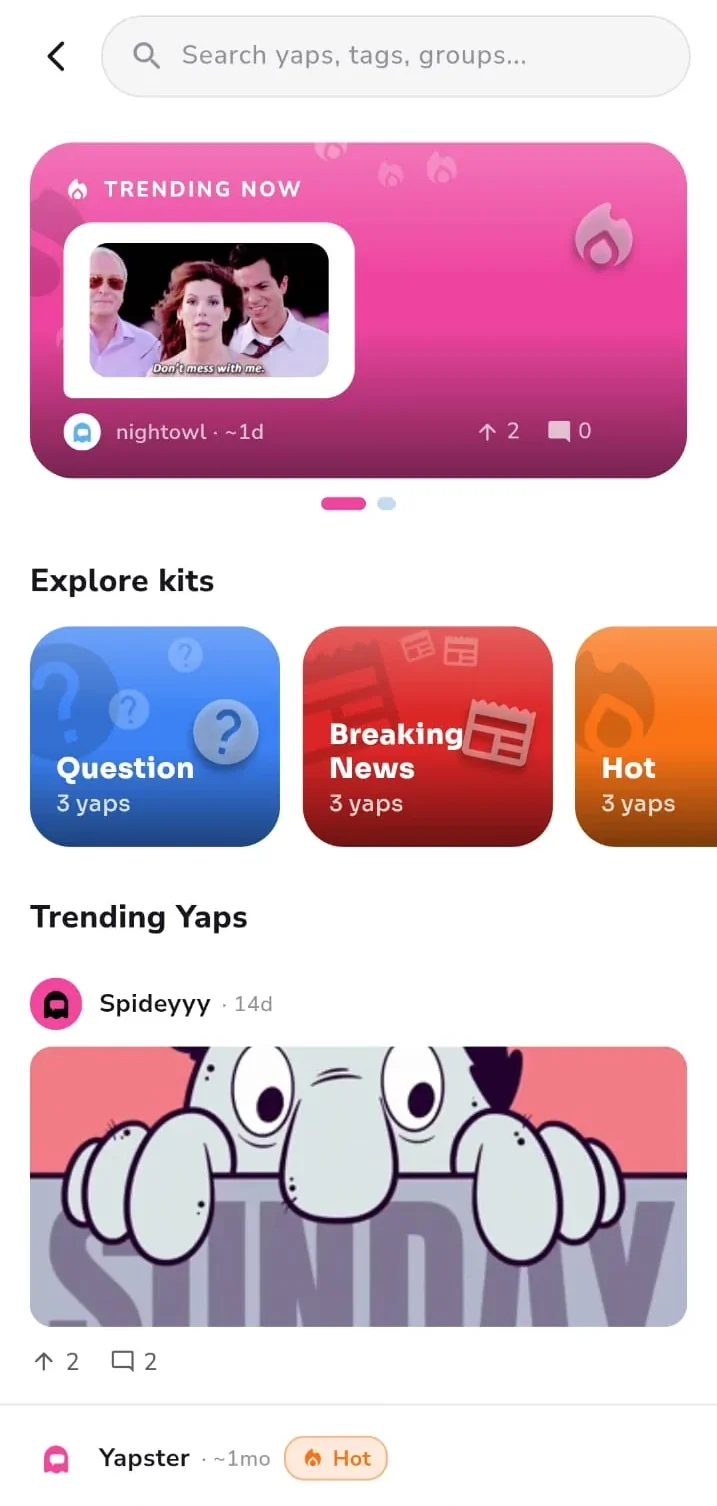
Trending Yaps, tags, and the people climbing the leaderboard. It is the same campus, sorted by what is worth reading rather than what is newest.
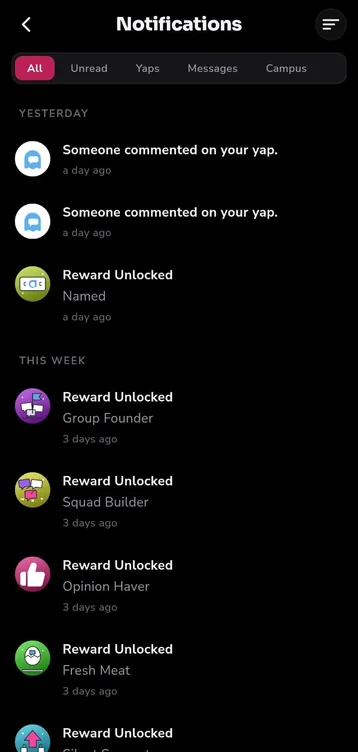
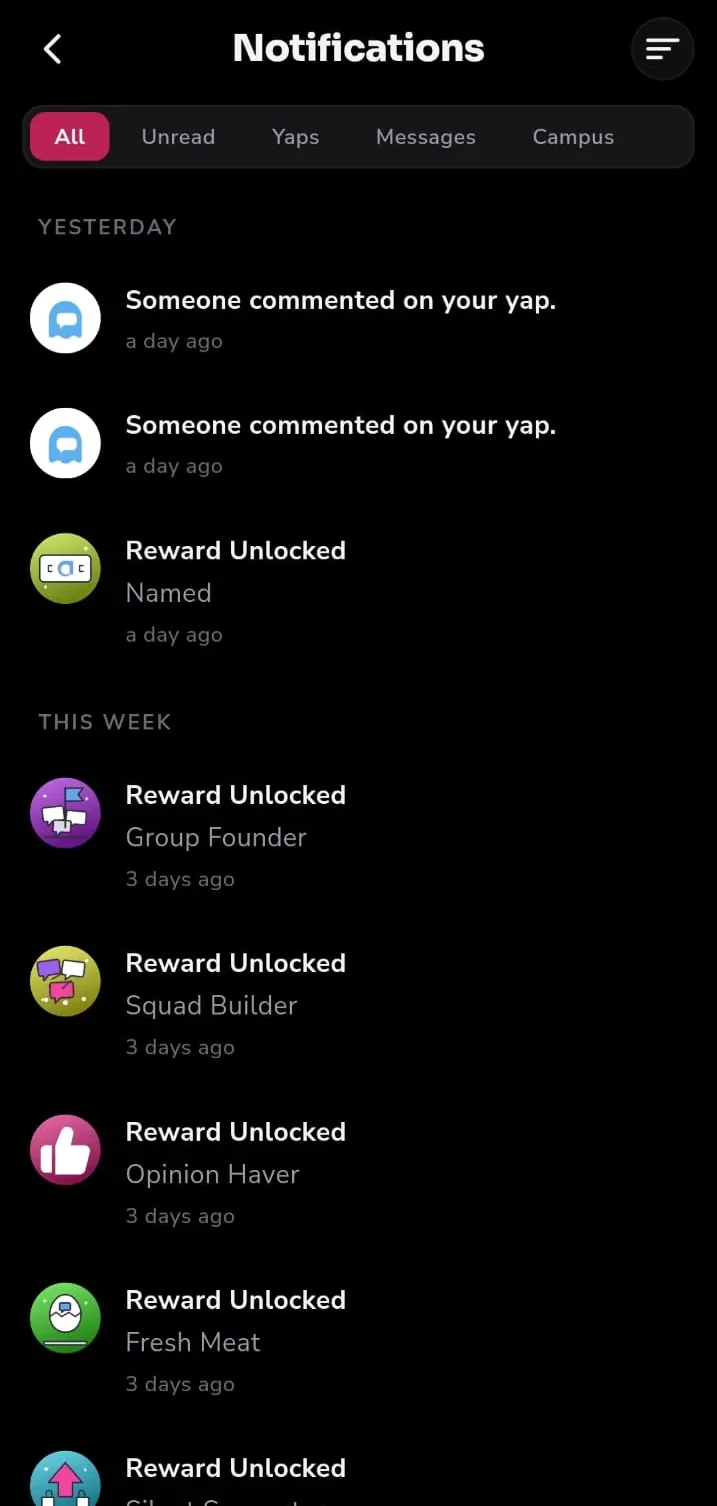
Replies to your Yaps, mentions, campus announcements and the badges you have just unlocked, filtered so you can look at one kind at a time instead of scrolling past the rest.
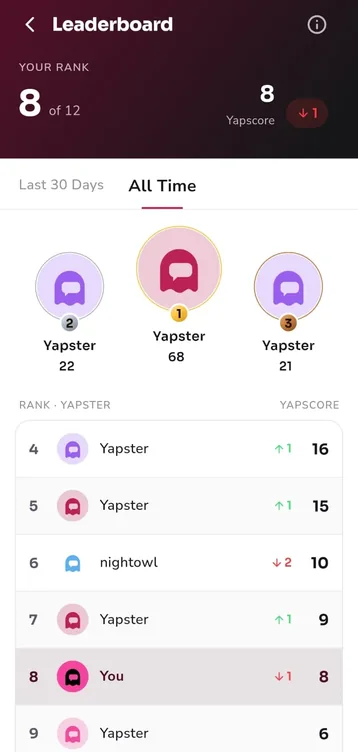
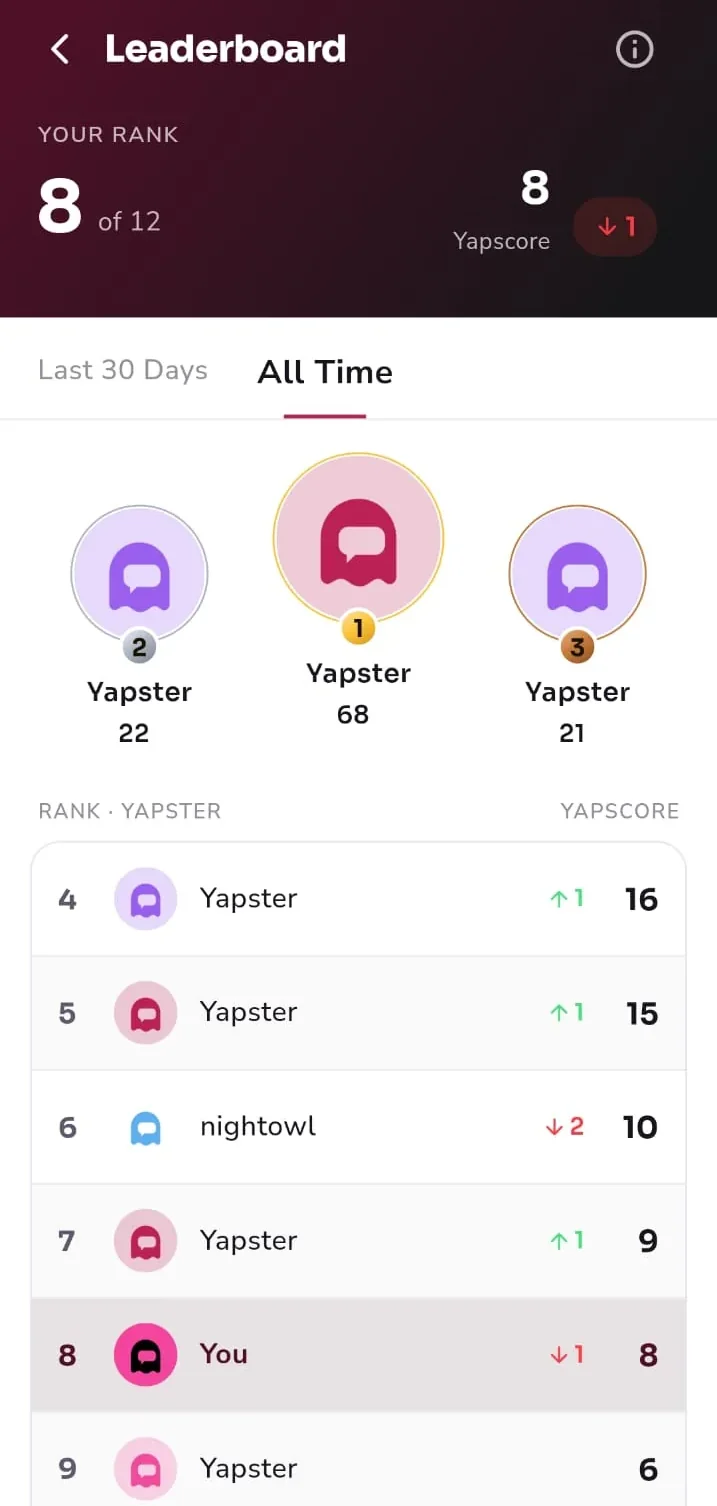
Yapscore counts what your campus upvoted, over the last thirty days or all time. You are ranked against the people in your own campus and nobody else, and a Yapster can top it without ever claiming a name.
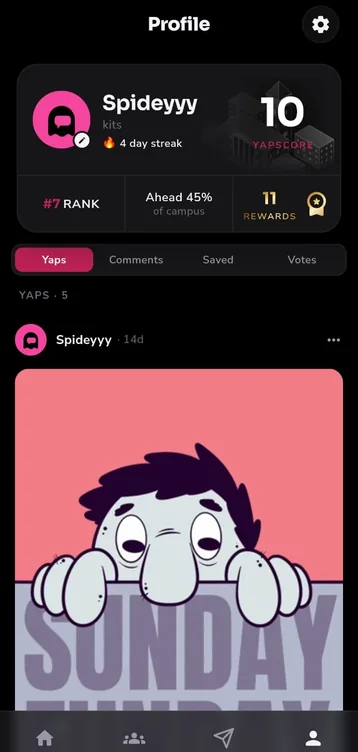
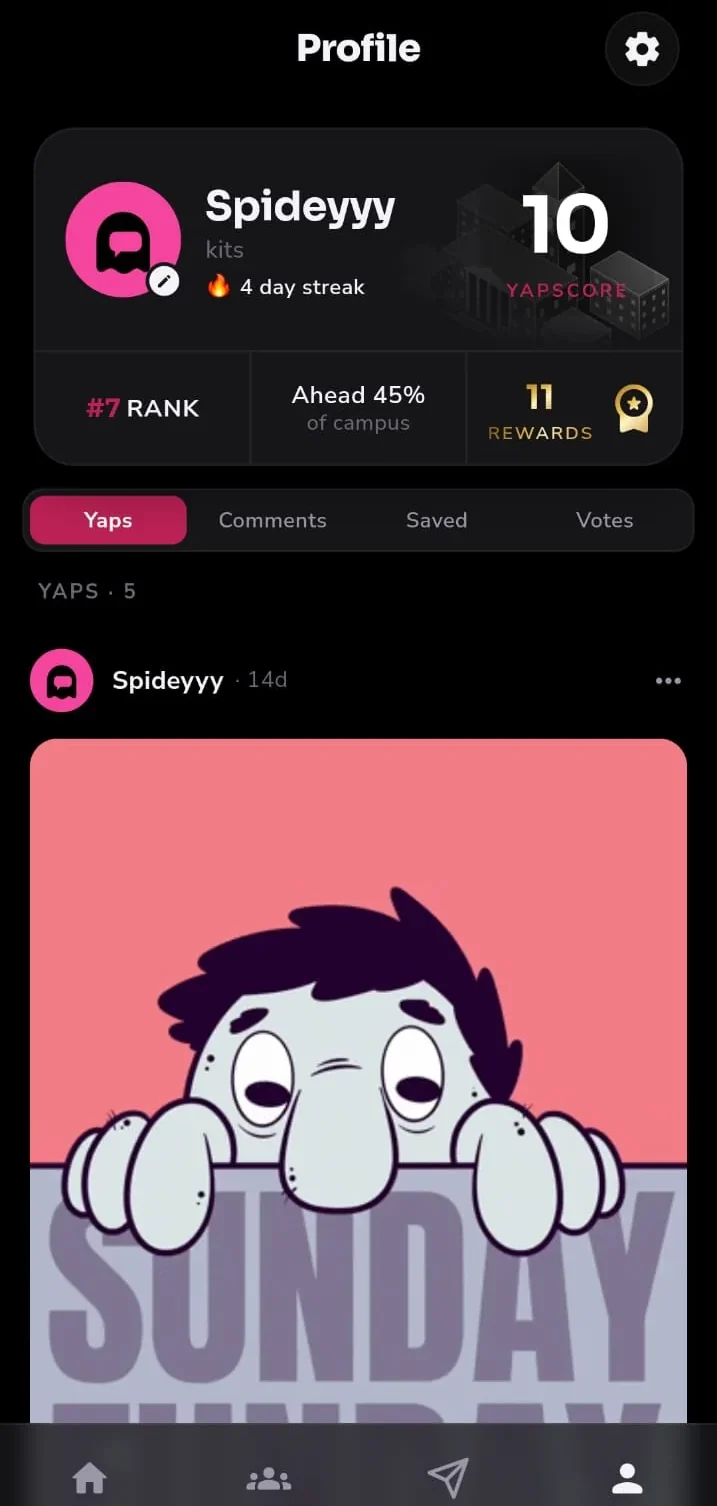
Your Yaps, your comments, what you saved and what you voted on, in one place. Your streak, your rank and your badges sit at the top. What other people see of it is only what you posted.
Who you are here
You are Yapster until
you choose otherwise.
Everyone starts anonymous. Your posts carry a ghost you pick the colours of — a look, not an identity.
Claim a username later and it applies to everything you have already posted, not just what comes next. You can go back to being a Yapster the same way, as often as you like.
Safety
Anonymous is not
the same as unaccountable.
The rules are short, they are public, and they apply to every Yap, comment, vote, group and message.
Checked before it posts
Text and images go through an automated moderation check before a post is published. Messages are private conversations and are not screened before they are sent.
Report, block, mute
Any Yap or message can be reported. You can block a person or mute a conversation, and blocks are enforced on our side, not just hidden on yours.
Verified access only
Getting in needs a campus or organisation code. Nobody outside your campus can read the feed or post to it.
Leaving is one screen
Settings → Delete Account, and the account goes immediately. The deletion page says exactly what that removes.
Is your campus on Yappit yet?
When it lands, you put in your campus code and you are in as Yapster. Nothing else to fill in.
Launching soon on Google Play and the App Store